Case Study - A Private Medical Records App for Chronic Illness

A private, accessible app that gives people managing chronic illness one secure place to keep their medical history and prepare for appointments.

Client
MedVault
Year
Service
Custom software

The brief

Justin and Karen Baker watched someone close to them carry the full weight of a chronic illness, and saw how much of that weight was paperwork. Years of specialists, each appointment starting from scratch. The same history told again and again, the same forms filled in by hand.

For people living with ME/CFS and other long-term conditions, this is the quiet, constant tax of being unwell. The medical history is scattered across letters, PDFs, portals and memory. It rarely sits in one place, and the person who needs it most is usually the one with the least energy to assemble it.

Justin and Karen came to Studio Parallel with a simple goal: give these people one private, secure home for their own health records, and make it genuinely usable on a hard day. The first audience is the ME/CFS community, with NDIS participants to follow. We built the first version of MedVault for them at no cost, in exchange for the right to tell the story here.

What we built

MedVault is a personal record-keeping app for your own health documents. It keeps, organises and secures the records you already have.

It current runs on iOS but has been built in a way so that it can be easily extended to Android and the web in the near future. The core is a set of structured records across six familiar types: conditions, medications, allergies, procedures, care team and test results, alongside a personal profile.

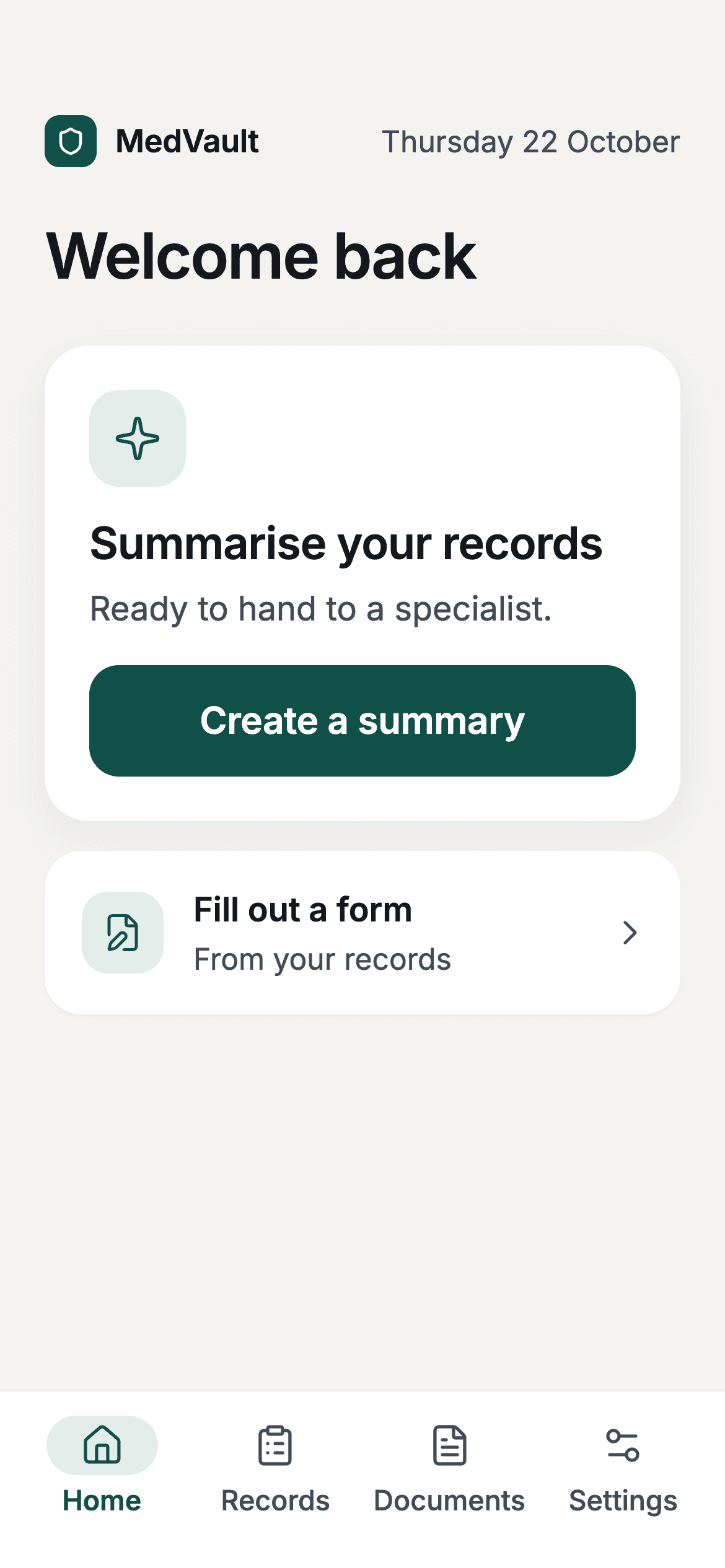
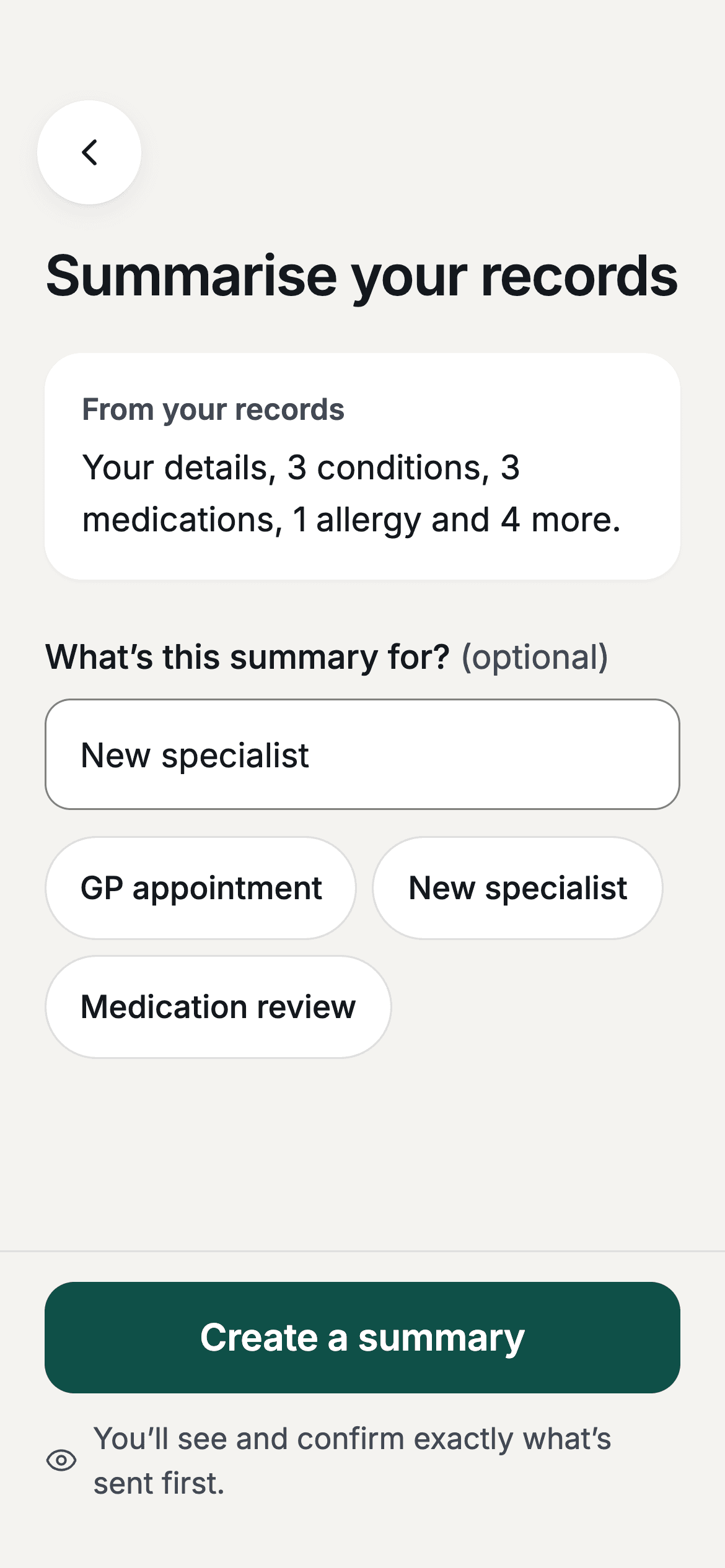
Most people don’t start from a blank form, so we made getting information in as gentle as we could. You can upload a PDF or photograph a paper document, and the app drafts structured records from it for you to review. When you ask, MedVault can assemble a plain-language summary to take to a visit, or draft answers to the kinds of questions intake forms ask, drawing only on what you have already entered.

MedVault home screen offering a plain-language summary of your records, with a large ‘Create a summary’ button and clear navigation.A prepared appointment summary listing the user’s own conditions, with a large ‘Copy to clipboard’ button.

Designing for people who are tired

Accessibility was the organising idea, not a pass at the end. When your user is in pain or short on energy, every extra tap and every screen that asks two questions at once is a cost. So the whole app is built to WCAG AAA, the strictest tier.

In practice that means 18pt minimum body text, large primary actions, generous touch targets, and a 7:1 contrast ratio throughout, plus full VoiceOver and TalkBack support, system font scaling, and reduce-motion. The build pipeline checks all of it automatically and catches regressions before they ship.

The visual tone follows the same instinct. Warm off-white, deep slate text, a muted teal. One primary action per screen. No streaks, no gamification, no dark patterns. The calm is the point.

Secure by design

Security wasn't an afterthought here. It shaped the app from day one, because people keep their real medical history in it, and that has to be safe without being a hassle.

Your private notes are encrypted on your own phone before they're stored, locked with a key that only comes from your password. Nobody else can read them, including us. All your data stays in Australia, on servers in Sydney, and the optional AI help stays in Australia too, so nothing is sent overseas. Each person can only ever see their own records, and every time anything is opened or changed it's logged, so nothing happens behind the scenes.

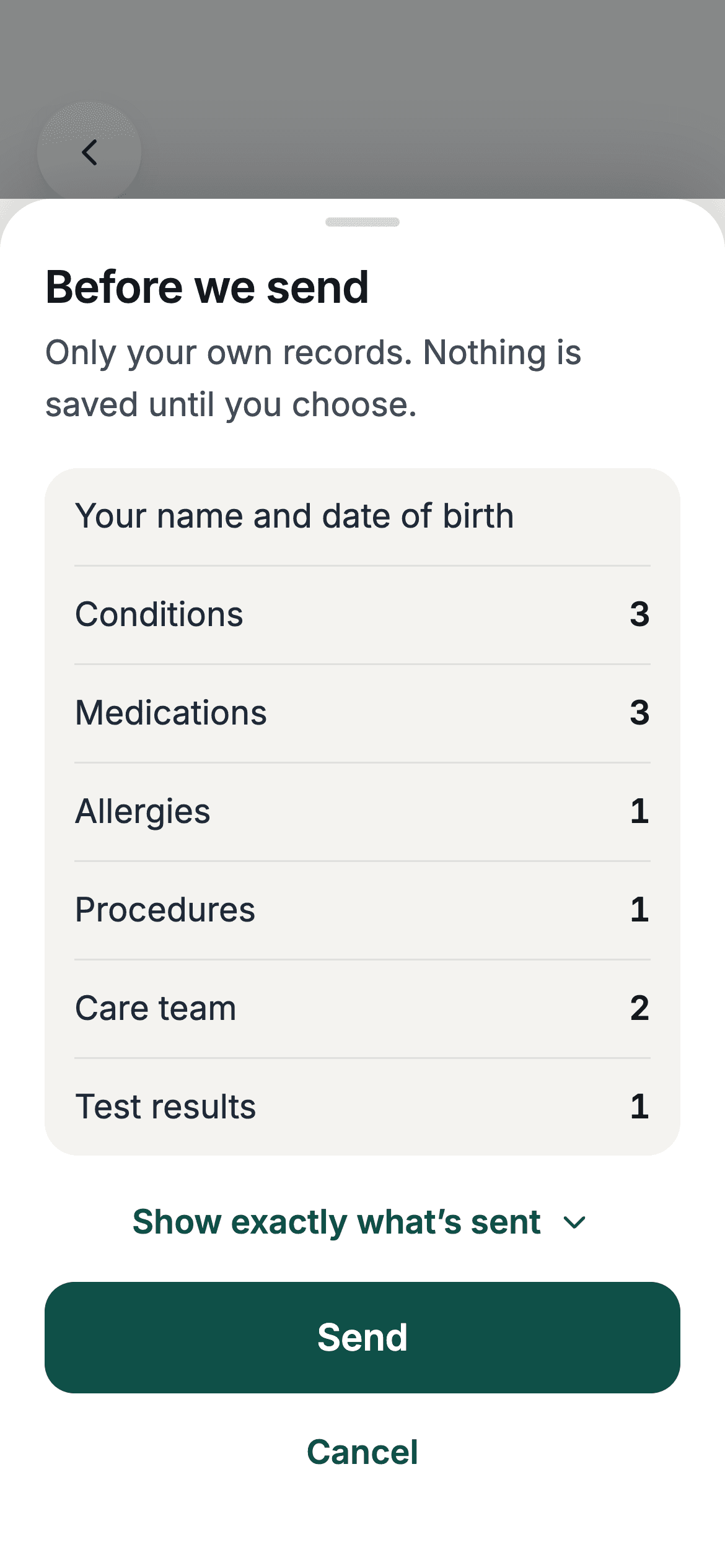
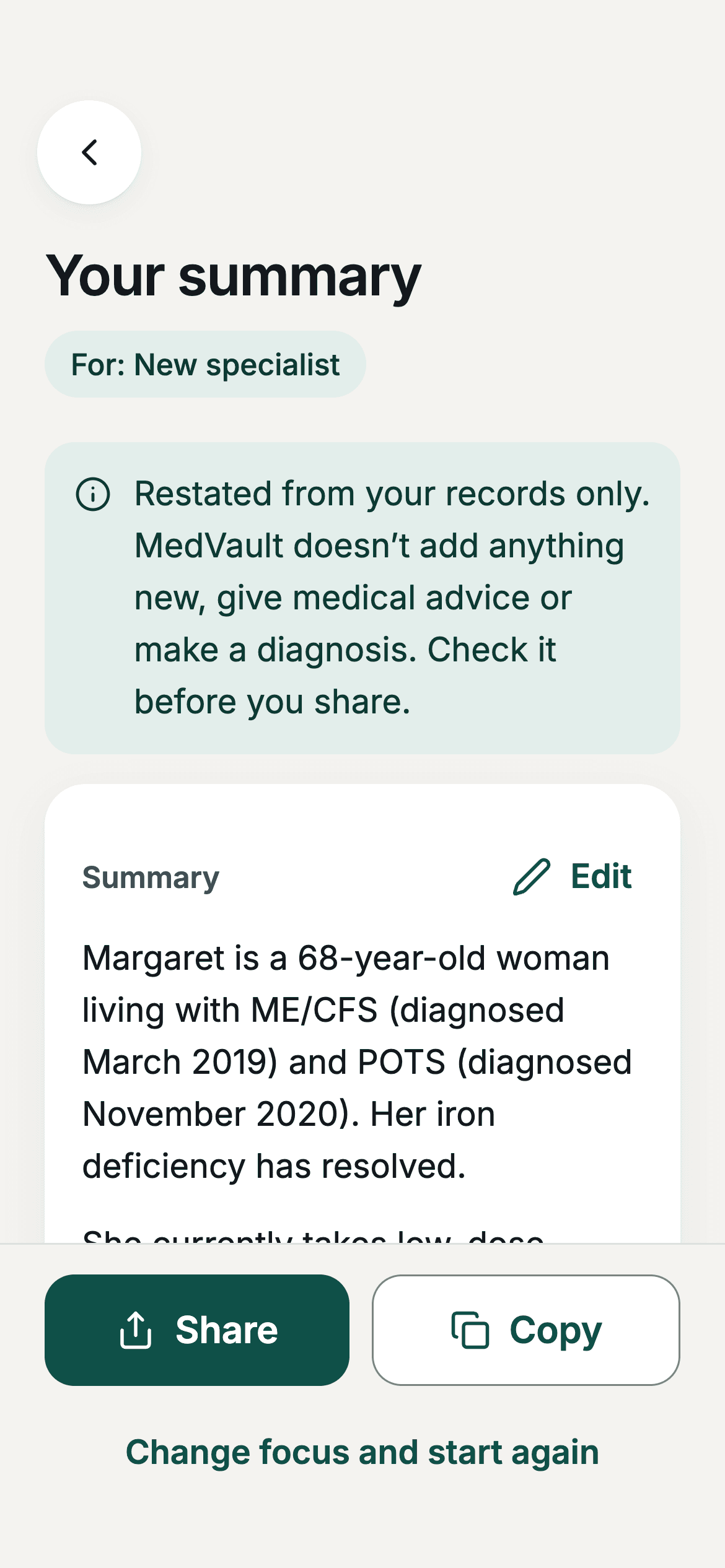
The AI is completely optional and only runs when you ask. All it does is tidy up and reorganise what you've already written. It never diagnoses, gives advice, or makes judgements. Before anything is sent you see exactly what's going, you can cancel, and nothing it suggests is saved until you've checked it yourself.

A confirmation sheet shown before anything is sent for AI help, spelling out exactly what will be sent and offering to show the full contents, with the option to cancel.An AI-assembled summary with a note explaining it only restates and reorganises information the user entered, never adding anything new or offering a diagnosis.

Under the hood

  • React Native + Expo (iOS, Android, Web)
  • TypeScript strict mode
  • On-device encryption
  • Postgres Row Level Security
  • AWS CDK, Sydney region-locked
  • WCAG AAA

The codebase is a monorepo with shared design-token, UI, crypto and typed-database packages. More than a hundred automated tests cover the app, the database security rules and the AI pipeline, and the Sydney region-lock is enforced in CI, so a deploy targeting another region is designed to fail the build.

More case studies

A Content & Courses App for Single Parents

A content platform that turns a podcast audience into subscribers and customers. Free interactive guides for people navigating separation, plus paid courses, all self-serve for the founder.

Read more

A Voice-First Connection App for Truck Drivers

A voice-first app that connects truck drivers with each other and puts crisis support one tap away.

Read more

Tell us what you're working on.

Reach out and we will get back to you as soon as we can. We read every message and reply ourselves.