Business systems & API integrations
Stop entering the same information twice. Connect the tools your business already runs, with clear rules for what moves, when it moves and what happens if it fails.
Discuss your workflow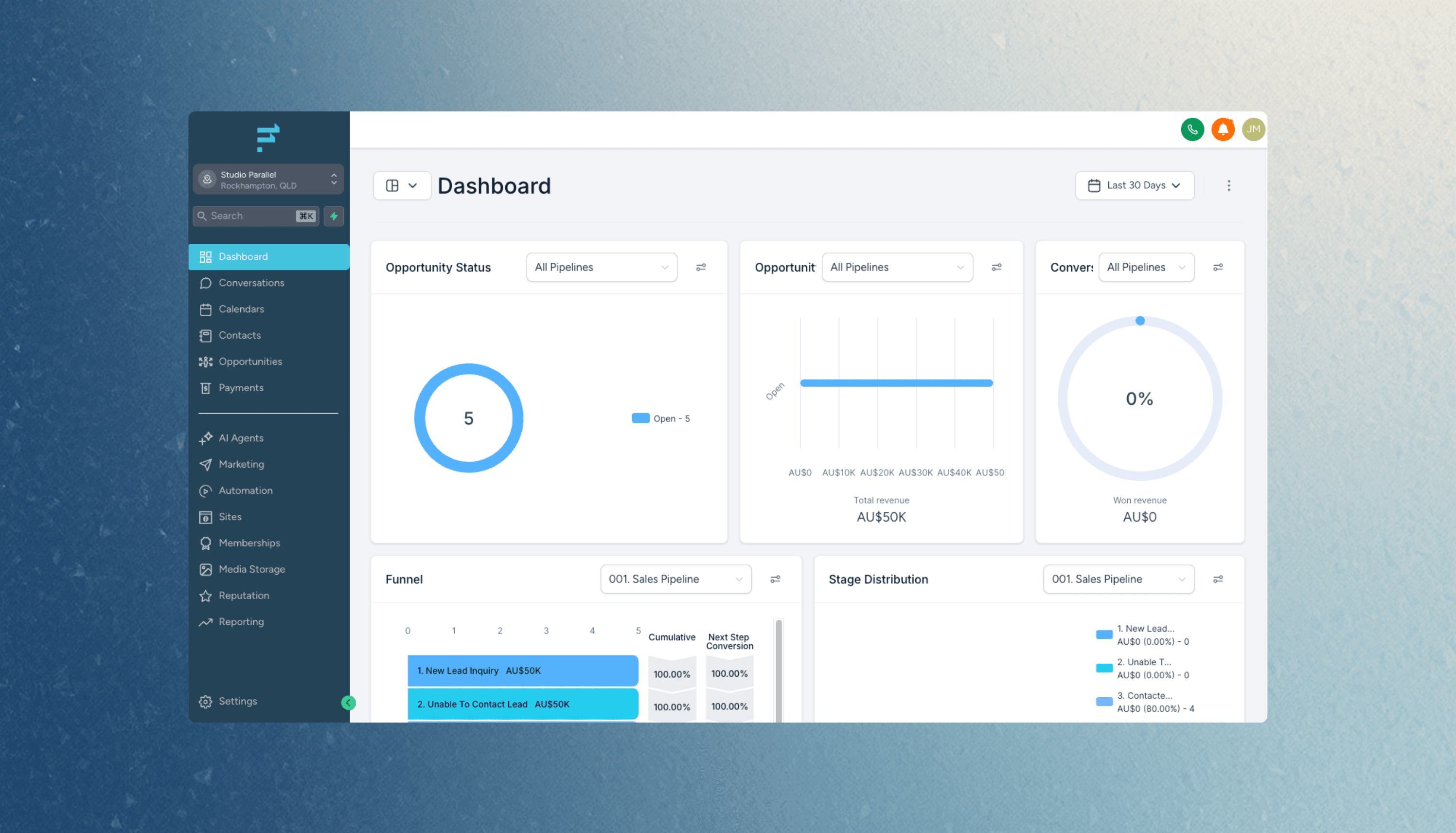
Cliniko to Flow Channels
An automatic sync that keeps customer records consistent between Cliniko and Flow Channels, removing the daily copy-and-paste task.
What the first version needs.
- Cliniko and your CRM
- Agree which customer details need to move and which system owns them. Our Cliniko to Flow Channels project shows a working connection between practice software and a CRM.
- Xero, Stripe and your web app
- Scope invoice, customer or payment events around your workflow. We check API access, account permissions and provider limits before promising a connection.
- Older systems and exceptions
- An API is not always available. We assess supported exports or imports, validate records, and plan error reporting and safe retries without repeating an action.
A clear scope before we build.
A focused integration connects two systems through one defined workflow. Two-way sync, historical backfills and custom CRM rules add scope. We agree access, monitoring, failure handling and ongoing ownership before switching it on. Provider subscriptions and usage charges remain separate.
Before we get started.
Can you connect Xero, Stripe or Cliniko to our software?
We assess the specific workflow and the access available in your accounts. Cliniko to Flow Channels is an existing project; other connections are scoped against the provider’s API, permissions and limits before we quote.
Does an integration need AI?
Usually not. Moving known fields between systems is normally a rules-based task. AI is considered only when the workflow needs to interpret variable information, with review boundaries agreed in advance.
What happens if a sync fails?
We scope validation, error reporting and retry behaviour around the workflow. Failed records can be held for review, and duplicate handling is planned before launch.
Show us the workflow you want to improve.
Tell Joe and Hayden what your team does today and where it gets stuck. We’ll help you scope a useful first version.
Discuss your workflowStart with the work you need to improve.
Replace an Excel, Google Sheets or Airtable workflow with shared records, permissions and a custom web app built around your team.
Client portals and booking systems with accounts, shared records, enrolments and payments. See the Caribeae swim school platform.