 Module editorWrite, save and publish lessons
 Course viewWork through each module
Now What
Paid courses and free guides for people going through separation, with a custom editor for writing every module.
View the case studyYour workflow, made usable.
 SchedulingClasses, teachers and make-up spots
 Family accountsContacts, students and balances
 BillingBlocks, payments and credit
 DashboardWhat needs attention today
 Parent portalNext classes, on their phone
 PaymentsBalance and receiptsModule editorWrite, save and publish lessonsCourse viewWork through each module
Paid courses and free guides for people going through separation, with a custom editor for writing every module.
View the case study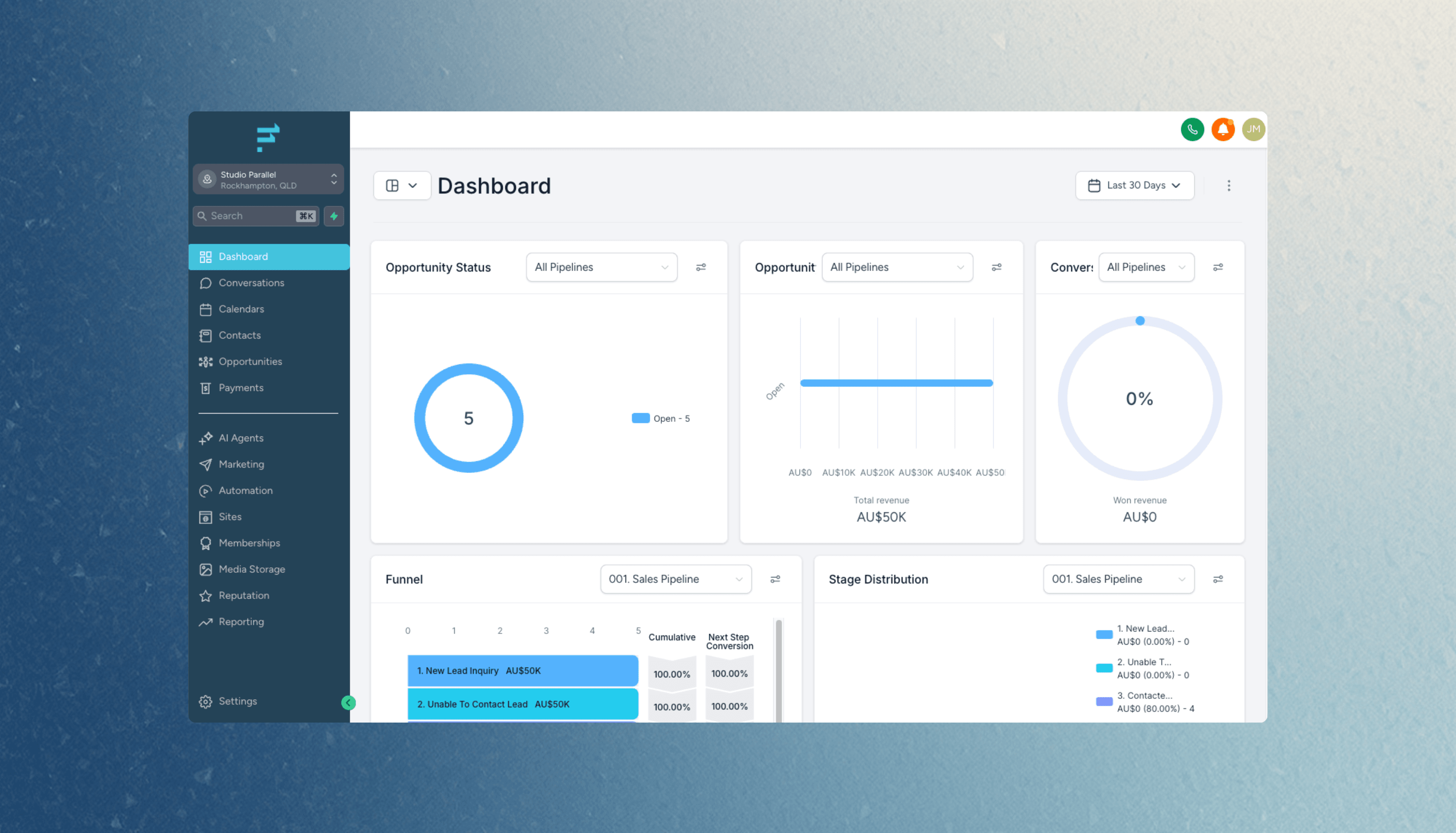
Our CRM for service businesses, with contacts, pipelines, SMS and email in one place.
View the case studyMap roles, records and the essential workflow. Agree integrations, migration needs and acceptance criteria before the fixed quote.
Review usable releases at agreed checkpoints, using representative tasks. Feedback shapes the next iteration within the agreed scope.
Agree source code, account access, data exports and documentation in the proposal. Launch support and later phases are scoped explicitly.
Start with the smallest complete workflow that is useful to a real user. We separate essential steps from later improvements, then agree what success looks like before building.
Usually, if those tools offer suitable APIs or export options. We check access, limits and integration costs early. A difficult connection may need a separate discovery task.
Yes. We define roles and permissions around who can see, edit, approve and export each kind of information, and test those boundaries as part of the build.
We assess sample files or the current system first. Data mapping, cleanup, trial imports and a cutover plan are scoped according to the quality and volume of the source.
Ownership, source code and third-party licences are set out in your agreement. We can plan phased releases, with a useful first version and separately agreed follow-on work. Hosting and ongoing support are separate.
Tell Joe and Hayden what you have in mind, who it is for and what needs to work. We’ll help you find a useful starting point.
Discuss your web appReplace an Excel, Google Sheets or Airtable workflow with shared records, permissions and a custom web app built around your team.
Client portals and booking systems with accounts, shared records, enrolments and payments. See Caribeae’s custom swim school management system.
Connect Cliniko, Xero, Stripe and your CRM through a scoped API integration. See our Cliniko to Flow Channels sync and plan your workflow.