Mobile apps
Built for the moment. And the hand.
For products people reach for on the move, and teams whose work happens away from a desk.
Good morning, Alex.
Your next visit is ready.
14 Example Street
Garden checkInspect planting and watering.
Step 1 of 3. Start the example visit inside the phone.
Sample data only. Actions stay in this page.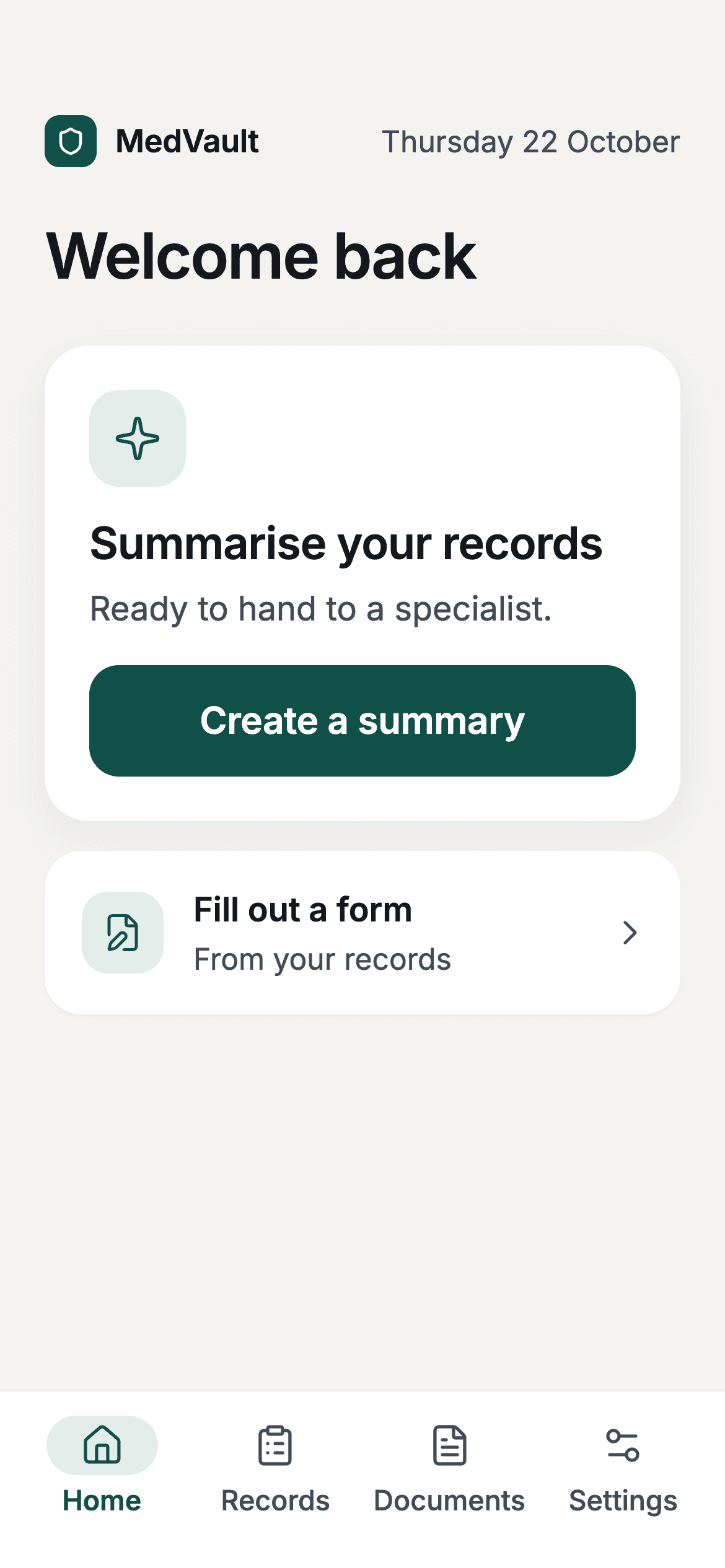
MedVault
Private medical records and clear summaries to take into an appointment.
What we can build together.
Customer products
Make a frequent task easy to open, complete and return to on a phone.
Field-team tools
Give people on site a focused way to find job details and record completed work.
Membership apps
Keep member content, account details and regular activities close at hand.
Companion apps
Extend an existing service with the tasks that make most sense on mobile.
A complete task, within reach.
A three-part demonstration. Illustrative screens and data, not a completed client product.
Good morning, Alex.
Your next visit is ready.
14 Example Street
Garden checkInspect planting and watering.
- Step 1
Open to the job at hand
The home screen puts today’s relevant task first, with a large, easy-to-reach action.
Demo preview1 / 39:41FIELDNOTEToday’s workGood morning, Alex.
Your next visit is ready.
Next visit · 10:30 amCourtyard garden14 Example Street
Garden checkInspect planting and watering.
Start garden check - Step 2
Record the work
A short checklist and a note keep the action focused. Device features are added only when the job needs them.
Demo preview2 / 39:41FIELDNOTEJob in progressFinish the garden check.
Check the work before you finish.
Planting checkedWatering checkedVisit notePlants healthy. Watering adjusted.
Save completed visit - Step 3
Know it is complete
An explicit saved state confirms the result and gives the person a useful next step.
Demo preview3 / 39:41FIELDNOTESaved to your jobsAll done.
Your visit record has been saved.
Courtyard gardenGarden check complete
Plants healthy. Watering adjusted.Back to today
A clear scope.
A working handover.
We first check that an app fits the task. Then we scope the platforms, screens, device features and release process around one complete user journey.
How we work out pricingProve the main task
Map the core journey and try the design on a phone before expanding into secondary screens.
Test on devices
Review working builds at agreed checkpoints. Device and platform testing follows the iOS and Android scope we agree.
Prepare for release
Scope store assets, submission assistance and account access. Agree the handover and an update plan before launch.
Before we get started.
Do we need an app or a mobile website?
A website may be the better fit for occasional visits and easy sharing. An app can make sense for frequent tasks or specific device features. We start with how people will use it, before choosing the platform.
Will it work on iOS and Android?
We can scope either or both, typically using React Native and Expo. The proposal specifies supported platforms and device testing. An iPhone project does not automatically include an Android release.
Who handles app-store accounts and submission?
We agree account setup, store listings and submission responsibilities before release. Store accounts should sit with the agreed product owner. We can assist with submission, but review timelines and approval are controlled by Apple and Google.
Can it use the camera, notifications or work offline?
These can be scoped where they help the task. Permissions, delivery behaviour and offline data syncing need explicit design and testing. They are not included by default or implied by the demonstration on this page.
What happens after launch?
Operating-system changes, store requirements and product improvements can all need updates. We agree launch support and can scope ongoing maintenance separately, including backend hosting and third-party costs.
What should someone do with your app?
Tell Joe and Hayden what you have in mind, who it is for and what needs to work. We’ll help you find a useful starting point.
Discuss your mobile appStart with the work you need to improve.
Replace an Excel, Google Sheets or Airtable workflow with shared records, permissions and a custom web app built around your team.
Client portals and booking systems with accounts, shared records, enrolments and payments. See the Caribeae swim school platform.
Connect Cliniko, Xero, Stripe and your CRM through a scoped API integration. See our Cliniko to Flow Channels sync and plan your workflow.